 AdBlockTube
Ad-free YouTube on your iPhone
AdBlockTube is a video browser that blocks ads before they load, keeps playing with the screen locked and opens YouTube, YouTube Music and Twitch as apps that feel native.
- Video ads
- Banners
- Trackers
- Sponsor segments
- Open-app nags
What it does
Everything below is free. Pro removes the banner and adds CarPlay and the Up Next queue.
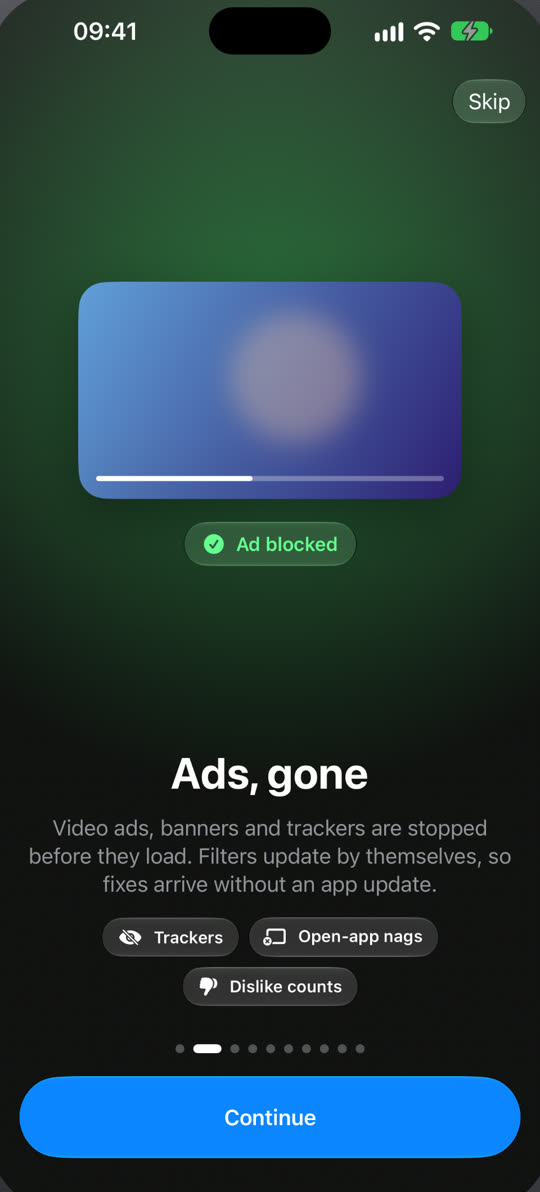
Ads stop before they load
Video ads, banners and trackers are blocked inside the app, so a video starts with the video. The filter lists update on their own, so when a site changes, the fix arrives without an App Store update.
- Sponsor segments inside videos are skipped, on by default
- Dislike counts are back
- “Open in app” pop-ups are hidden
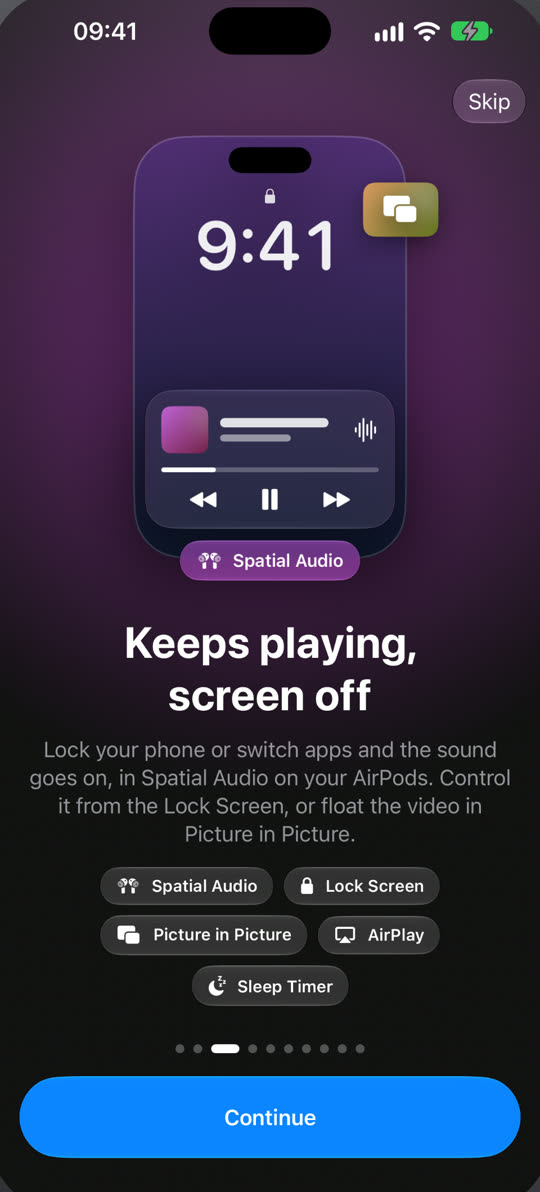
Keeps playing with the screen off
Lock your iPhone or switch apps and the sound carries on. Control it from the Lock Screen and Control Center, float the video in Picture in Picture or send it to a TV with AirPlay.
- Spatial Audio on AirPods
- Sleep timer on the Lock Screen and in the Dynamic Island
- Paused from the Lock Screen? One silent notification resumes it
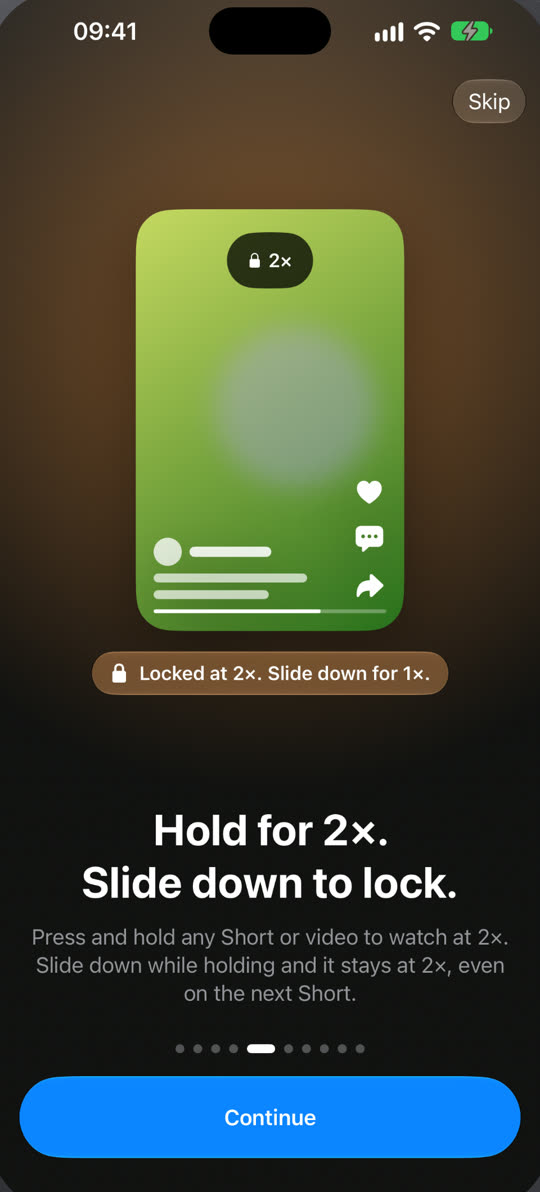
Hold for 2×, slide down to lock it
Press and hold any Short or video to watch at double speed. Slide down while you hold and 2× stays on, even as you swipe to the next Short. Shorts get their own native feed that loads the next ones ahead.
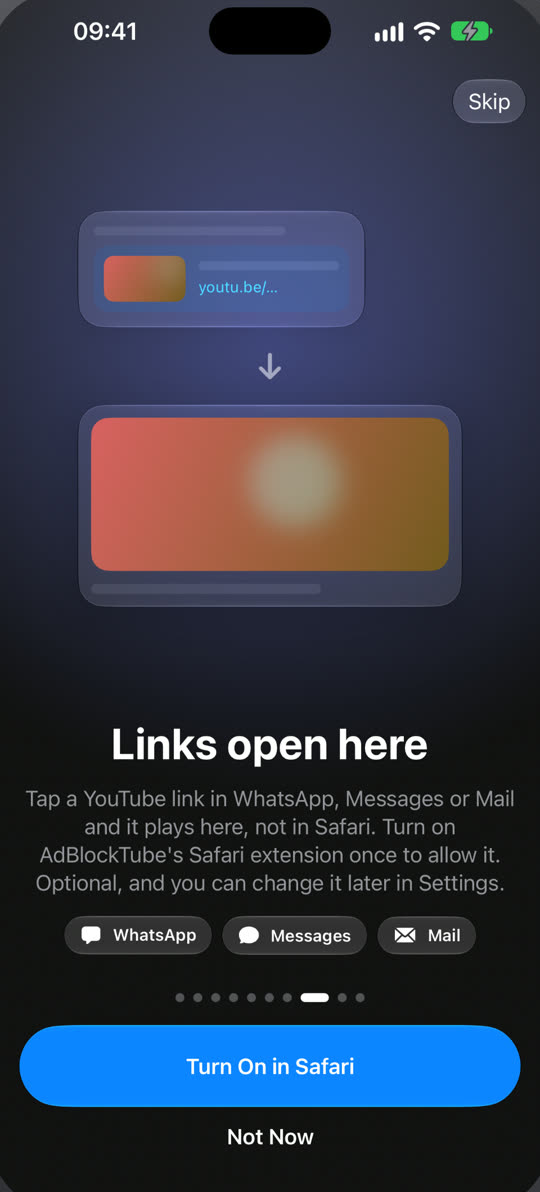
YouTube links open here
Tap a YouTube link in WhatsApp, Messages or Mail and it plays in AdBlockTube, not in Safari. Turn on the Safari extension once and change it anytime in Settings.
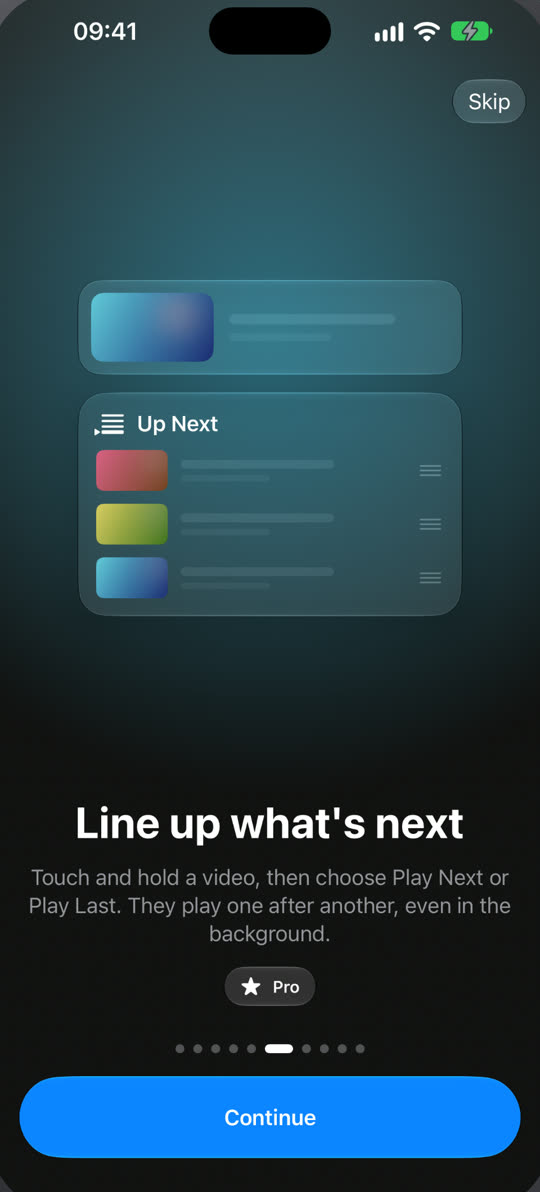
Your own Up Next queue Pro
Play Next or Play Last on any video, save a queue under a name and play it again later. In the car, CarPlay shows your music on the dashboard and “Hey Siri, play…” works.
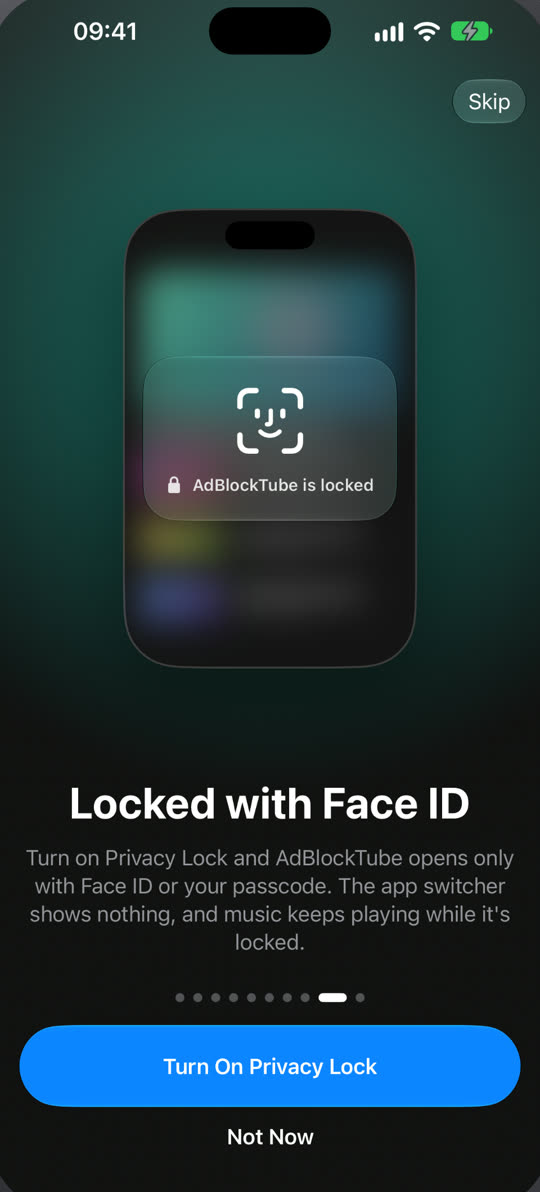
Locked with Face ID
Privacy Lock opens the app only with Face ID, Touch ID or your passcode, and the app switcher shows nothing. Music and videos keep playing while it is locked.
No address bar. Each site is an app
Sites open with native tabs, search and a real video player, built for each one. Search from Home or from a site’s own search tab.
- YouTube
- YouTube Music
- Twitch
- Kick
- X
YouTube Music, played natively
Songs play in the iOS player with Lock Screen controls, shuffle, repeat and the next song ready ahead of time.
The iOS video player
Pick YouTube’s player or Apple’s in Settings. Apple’s plays up to 1080p with native controls.
Widget and Siri
A Home Screen widget opens YouTube or YouTube Music in one tap, and “Open App” works in Shortcuts.
Fixes without updates
Filters, site layouts and scripts update over the air, signed and verified on your iPhone.
Dark and light
Dark by default, light on request, or follow the system.
In 13 languages
English, Turkish, German, Spanish, French, Italian, Portuguese, Japanese, Korean, Chinese, Russian, Arabic and Hindi.
Free, with an optional Pro
Ad blocking, background play and Picture in Picture are free and stay free.
Free
$0
- Ad, tracker and sponsor blocking
- Background play and Lock Screen controls
- Picture in Picture, AirPlay, Spatial Audio
- Hold for 2×, sleep timer, Privacy Lock
- One small banner from AdBlockTube itself
Pro
Monthly, yearly or lifetime
- No banner
- CarPlay and “Hey Siri, play…”
- Up Next queue: Play Next, Play Last, saved queues
- Free trial on yearly for eligible new subscribers
Questions
Is AdBlockTube free?
Yes. Ad blocking, background play, Picture in Picture and every other feature except three are free. Pro removes the app’s own banner and adds CarPlay and the Up Next queue.
How do I play YouTube in the background on iPhone?
Open a video in AdBlockTube and lock the screen or switch apps. The sound keeps going and the Lock Screen shows play, pause and skip. The background play guide has the details.
Does it download videos?
No. AdBlockTube streams from the sites you open and never saves videos to your iPhone.
Can I sign in to my YouTube account?
Yes. Sign in on the site inside the app as you would in Safari, and your subscriptions, playlists and history are there. Signing in is optional.
What happens when a site changes and an ad gets through?
The filters and site scripts update over the air, without an App Store update. The app checks for a new set when you open it and in the background.
Does it work on iPad or Android?
It is made for iPhone and needs iOS 26 or later. An iPad layout and Android are not available yet.
Is AdBlockTube made by YouTube or Google?
No. AdBlockTube is an independent browser and is not affiliated with, endorsed or sponsored by any of the sites it opens.
